Settings
The Settings section allows users to configure certain preferences and options for the application.
To be Updated...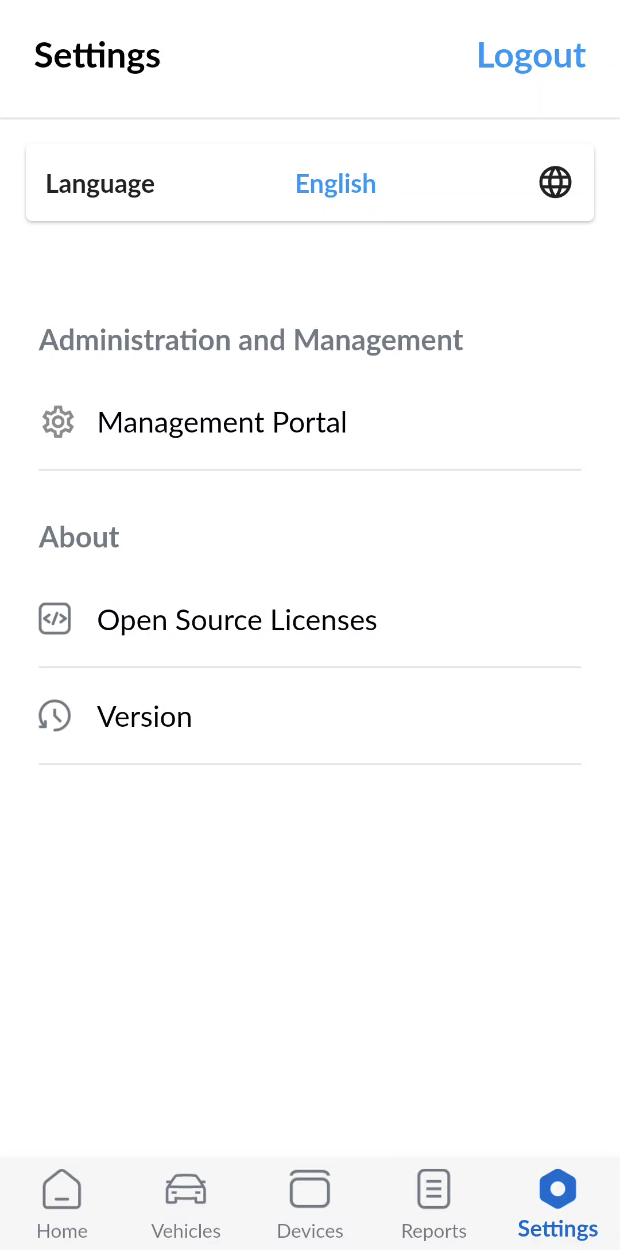
Language Preferrence
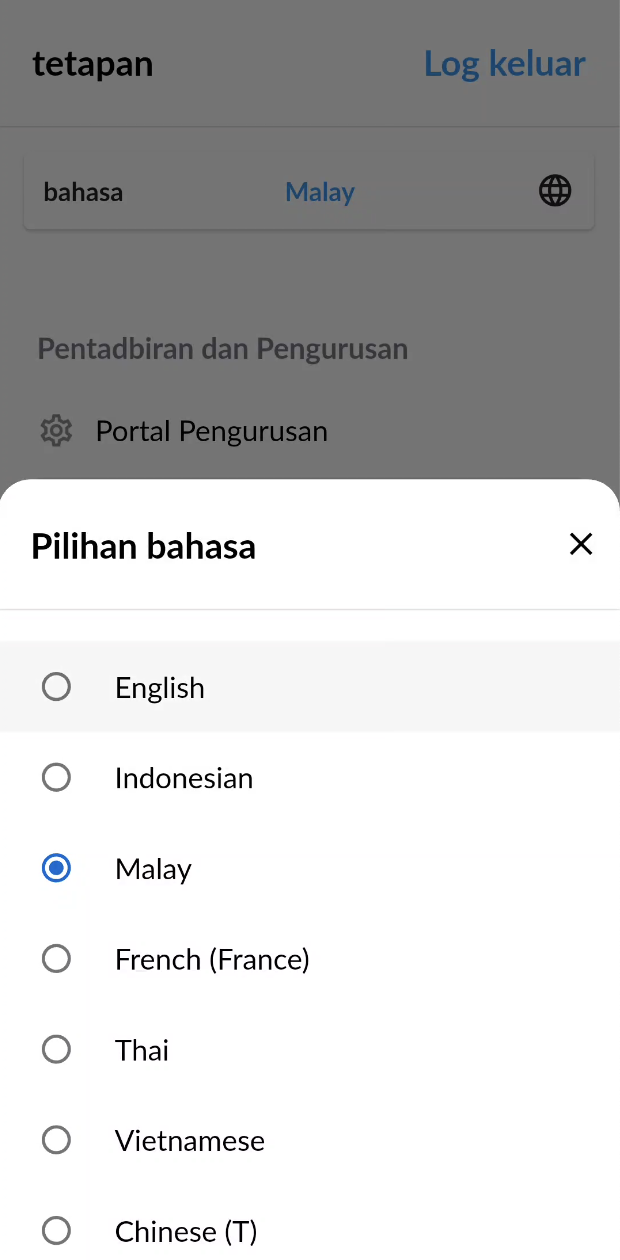
This setting allows users to choose their preferred language for the app interface. The default language is English. To change the language, tap the  icon. A language selection popup will appear, displaying the supported language options.

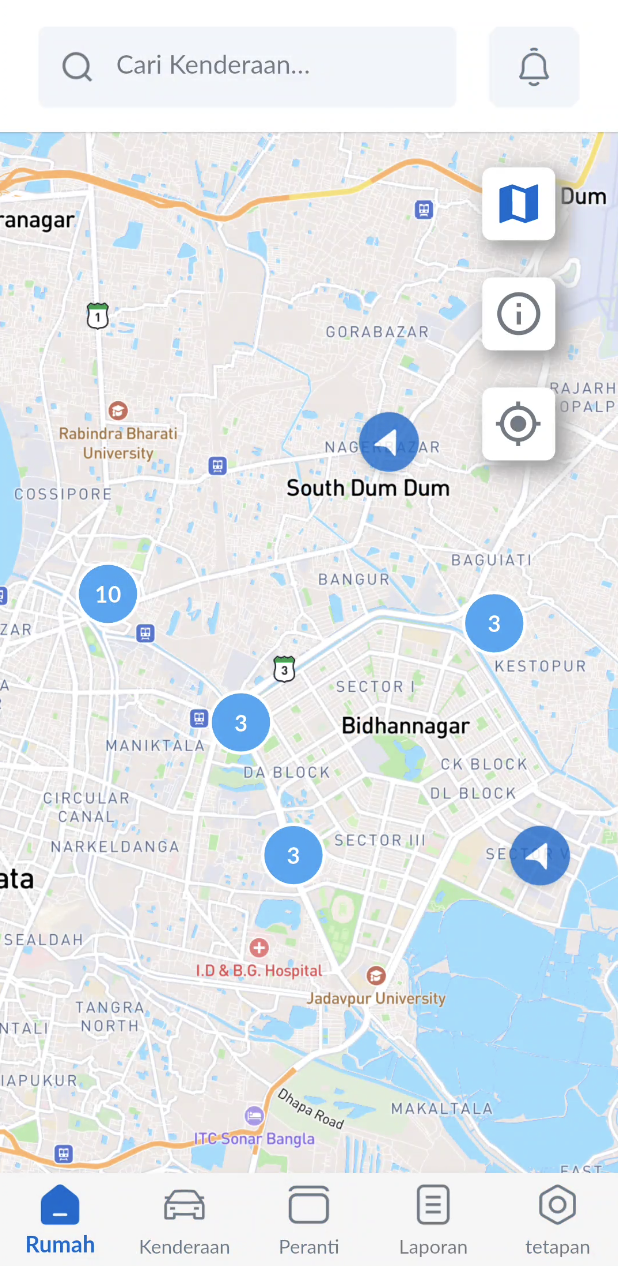
For example, if Malay is selected from the list, the Dashboard screen and other interface elements will be displayed in Malay.
Administration and Management
This feature allows you to access the Web Management Portal directly within the mobile app, unlocking additional functionalities such as configuring events, trips, and more.
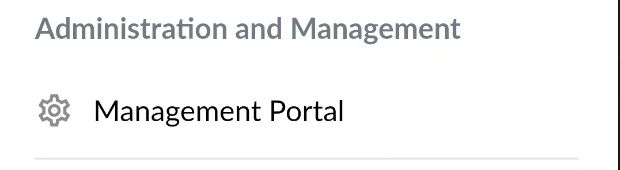
To open the portal, tap on the "Management Portal" option. To return to the app, simply tap the back button.
This is only available for Admin users.
About
The About section provides key information about the application, such as:
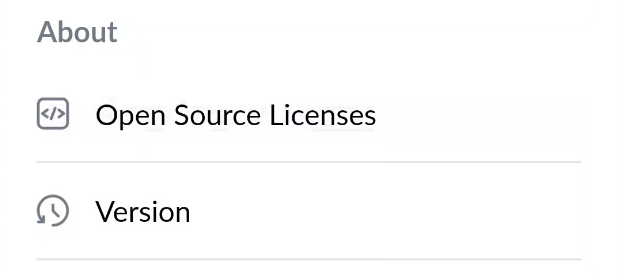
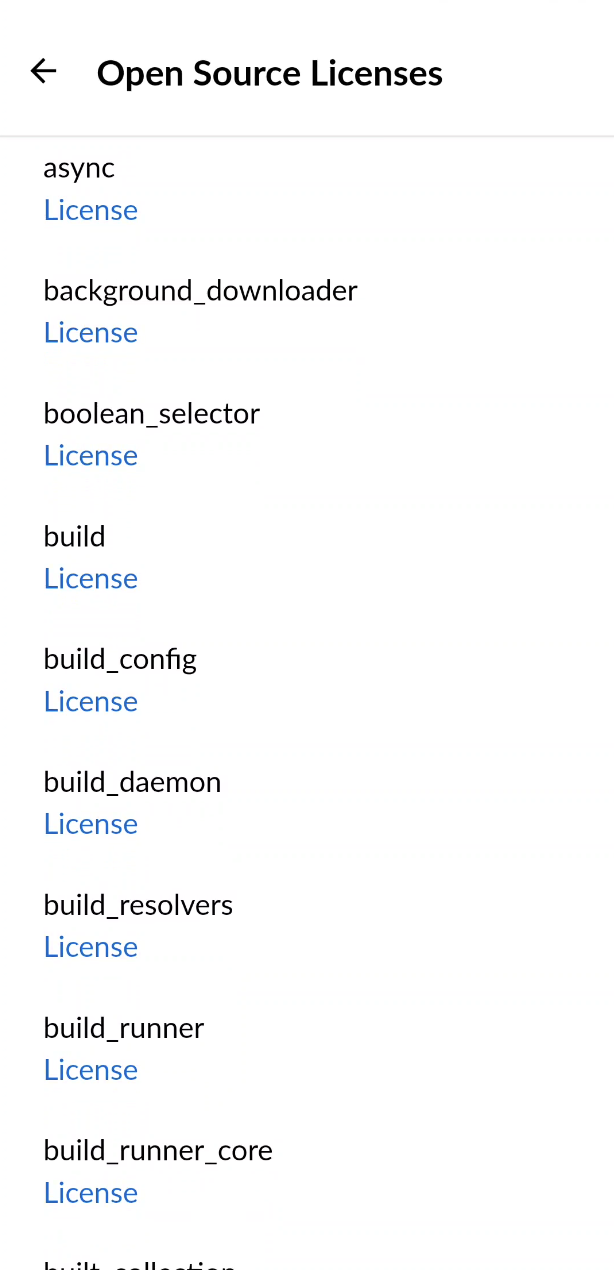
- Open Source Licenses – Displays a list of open source libraries used in the app, along with their respective license information.
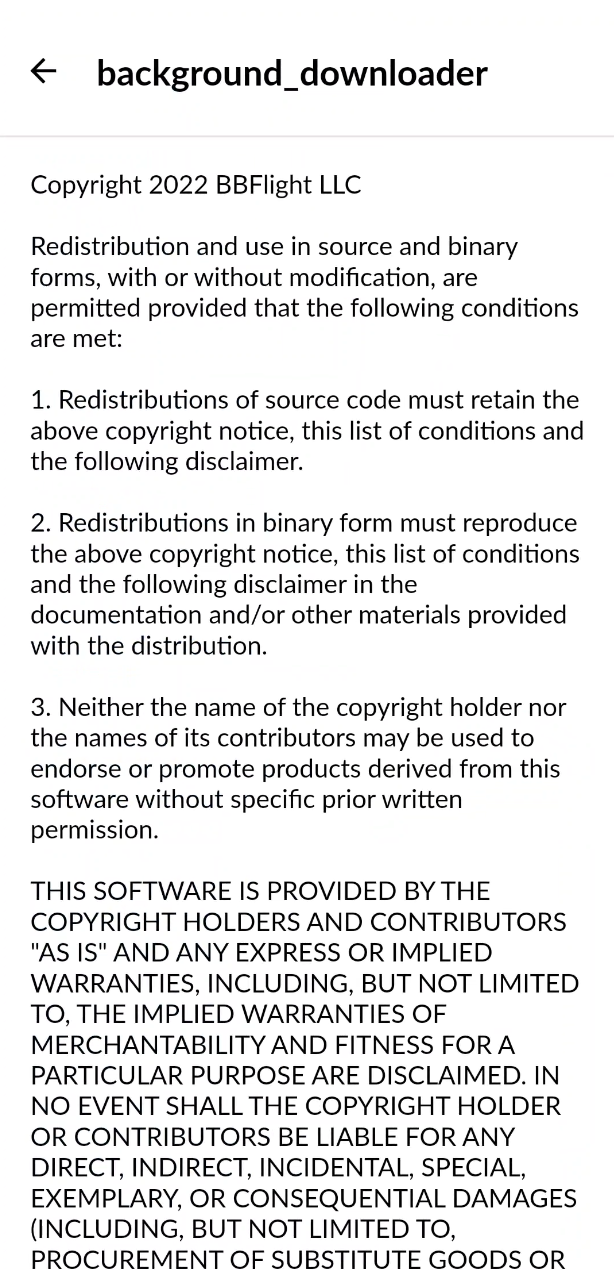
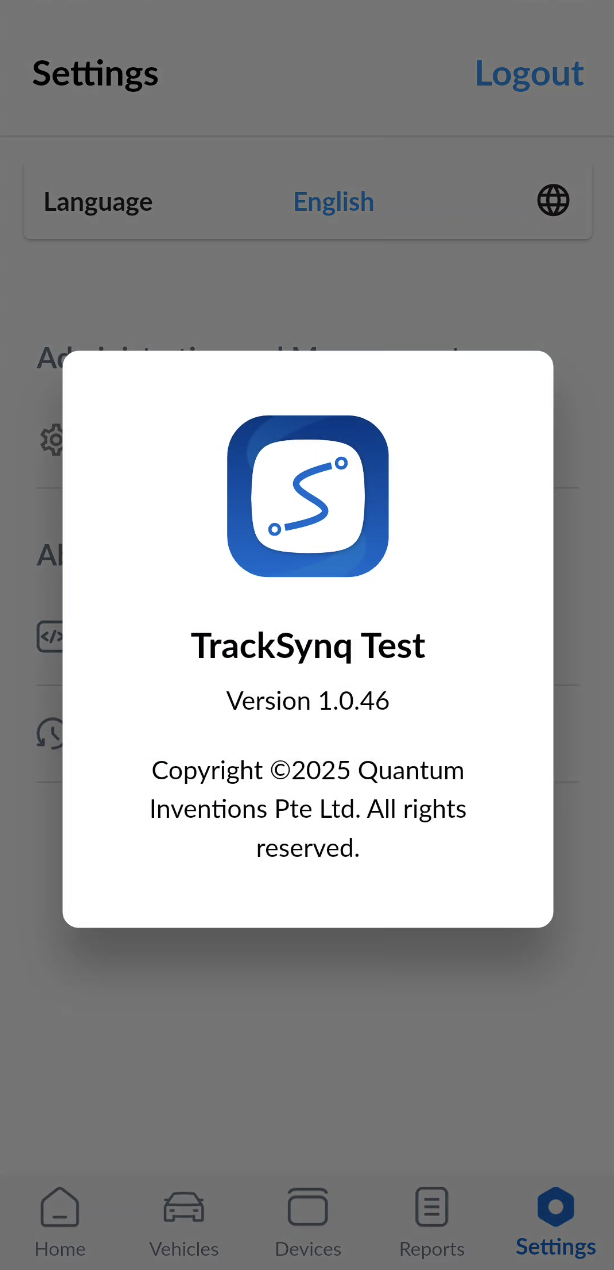
- Version - Displays the current version of the app along with copyright information.